How to Tell When Your AI Note-Taker Is Making Mistakes
Bottom line: Look for missing conditions, outdated dates, guessed task owners, and differences between the summary and the saved CRM record. Check important details against the conversation, then verify what actually saved.
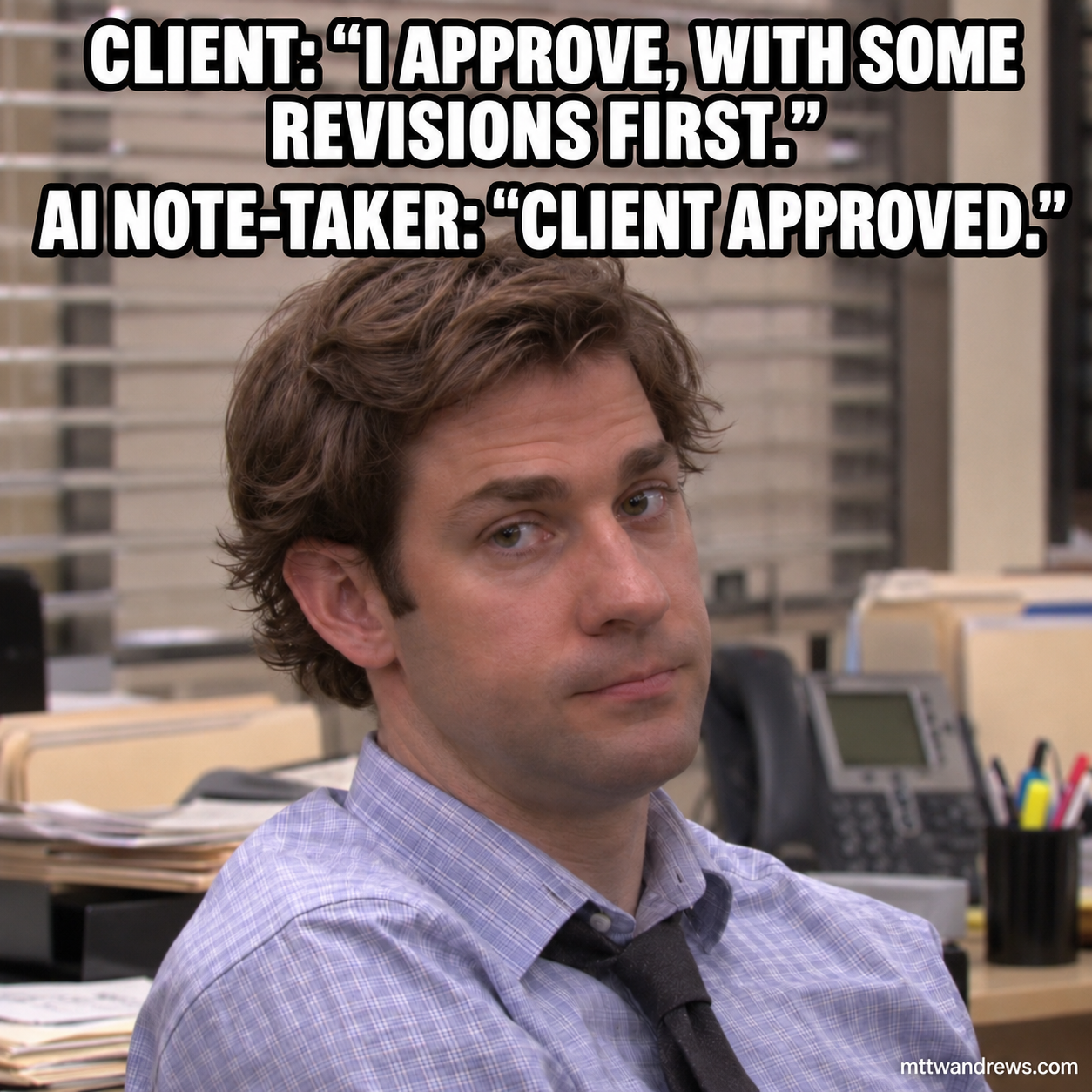
Imagine this exchange:
Client: “I approve, with some revisions first.”
AI notes: “Client approved.”
The summary sounds clean. The condition disappeared.
Watch for four mistakes
- Conditional approval becomes final approval. Required revisions vanish from the note.
- An old date survives a correction. “Friday—actually, Monday” becomes a Friday deadline.
- A suggestion becomes an assigned task. “Someone should follow up” gains an owner nobody named.
- The saved record differs from the reviewed note. You fix the summary, but the CRM keeps the original error.
Each mistake changes what someone might do next.
Run a simple test
Before adopting a tool, use a fictional meeting in a test environment. Include a conditional approval, a corrected date, and a task with no named owner.
Compare the notes with what was said. Missing information should stay unresolved until someone checks it.
Then correct one detail, save the note, and reopen the CRM. Verify the client record, task owner, due date, and approval conditions. Check for duplicates too.
If a save times out, inspect the destination before trying again. An error message does not tell you whether the write happened.
Name the reviewer
Someone should own the check before notes become tasks, client records, or follow-up messages. Someone should also handle failed saves.
When comparing tools, count corrections and review time alongside the time spent writing notes.
A useful note-taker saves work without changing what the client meant.
Subscribe for Future Posts
Add the blog’s RSS feed to your preferred feed reader to receive future posts.
Was This Post Useful?
Loading reader feedback…
Public totals. An anonymous browser identifier remembers your vote; no account is required.