Your Automation Failed. Please Don’t Click Retry Yet.
By Matthew Andrews ·
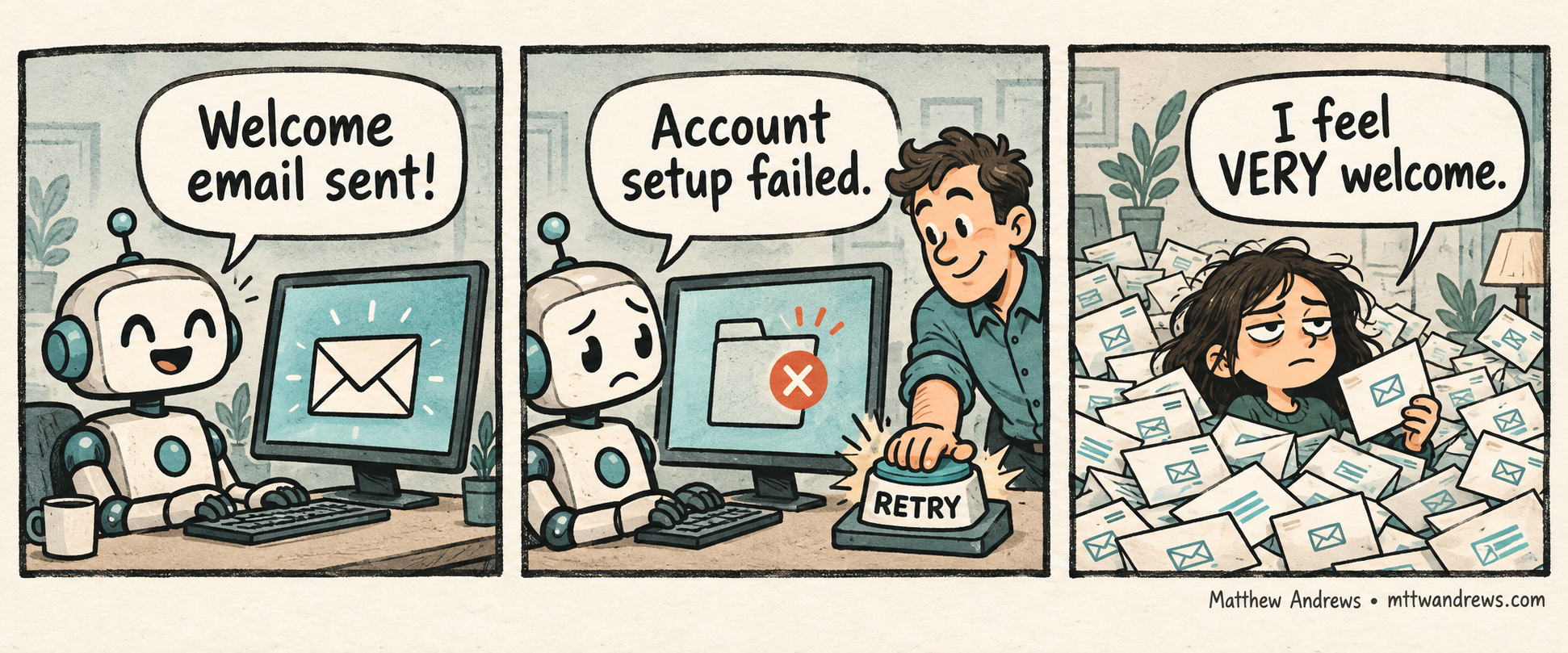
The welcome email went out. The account didn’t get created. “Try again” just welcomed the customer twice.
Workflow Automation That Earns Trust · Part 5
Recover interrupted automations without duplicating completed work: distinguish confirmed outcomes, resolve uncertainty, assign ownership and test safe retries.
That is a hypothetical example, but it exposes a real design question: when a workflow stops halfway through, does the person handling it know what actually happened?
As Founder and CTO of OmniMint, this is how I want to judge workflow reliability: can someone recover the intended result without guessing which actions already took effect?
A Failed Run Can Still Have Done Something
A single red status hides too much. In our example, sending the email succeeded and creating the account failed. Restarting everything treats those two outcomes as if they were the same.
There is another possibility: the account was created, but the confirmation never came back. Now the result is unknown. Calling it a failure and repeating it could create a duplicate.
The recovery screen should distinguish completed, failed, and unconfirmed steps. If the result is unconfirmed, check the destination before repeating the action.
Give the Next Person a Useful Handoff
“Something went wrong” tells someone to worry. It does not tell them what to do.
A useful handoff answers five questions:
- What was the user trying to accomplish?
- Which actions are confirmed complete?
- What failed, and what remains uncertain?
- Who owns the next step?
- What can they safely do now?
For our hypothetical onboarding workflow, that could read: “Welcome email delivered. Account creation unconfirmed. Check for an existing account using this request reference before retrying account creation. Do not resend the email.”
Keep private customer details out of broad alerts. Give the responsible person access to the information they need in the appropriate system.
Recover the Missing Step
The technical implementation should support that handoff. Record progress durably, keep a stable reference for the original request, and prevent repeated requests from creating the same effect twice where the receiving system supports it.
Where duplicate prevention is unavailable, recovery may require checking the destination or handing the decision to a person. A retry button should explain what it will repeat.
Also give retries a stopping point. Repeating a temporary failure can help; endlessly repeating an invalid request just creates noise. After a bounded attempt, make the unresolved work visible to its owner.
Test the Interruption, Then the Return
Before calling the workflow dependable, interrupt it after one meaningful action succeeds. Reopen it. Let a different person take over.
Can they identify the completed work? Can they resolve an uncertain result? Can they finish the remaining steps without duplicating the first action? Does the final status reflect the user’s actual outcome?
Those are recovery requirements, not optional polish. An alert is useful only if somebody can act on it.
The question is not simply whether the automation can run again. It is whether the customer can reach the intended result without paying for our confusion.
Subscribe for Future Posts
Follow my writing on technology, leadership, and building better systems. Add the blog’s RSS feed to your preferred feed reader to receive future posts.
Was This Post Useful?
Loading reader feedback…
Public totals. An anonymous browser identifier remembers your vote; no account is required.