Your Automation Works. Now Hand It to Someone Else.
By Matthew Andrews ·
If the person who built it has to explain every warning, approve every exception, and rescue every failed run, the automation still comes with a full-time interpreter.
Swipe through Dave’s office escape, or use the arrows. Select an image to view it at full size.
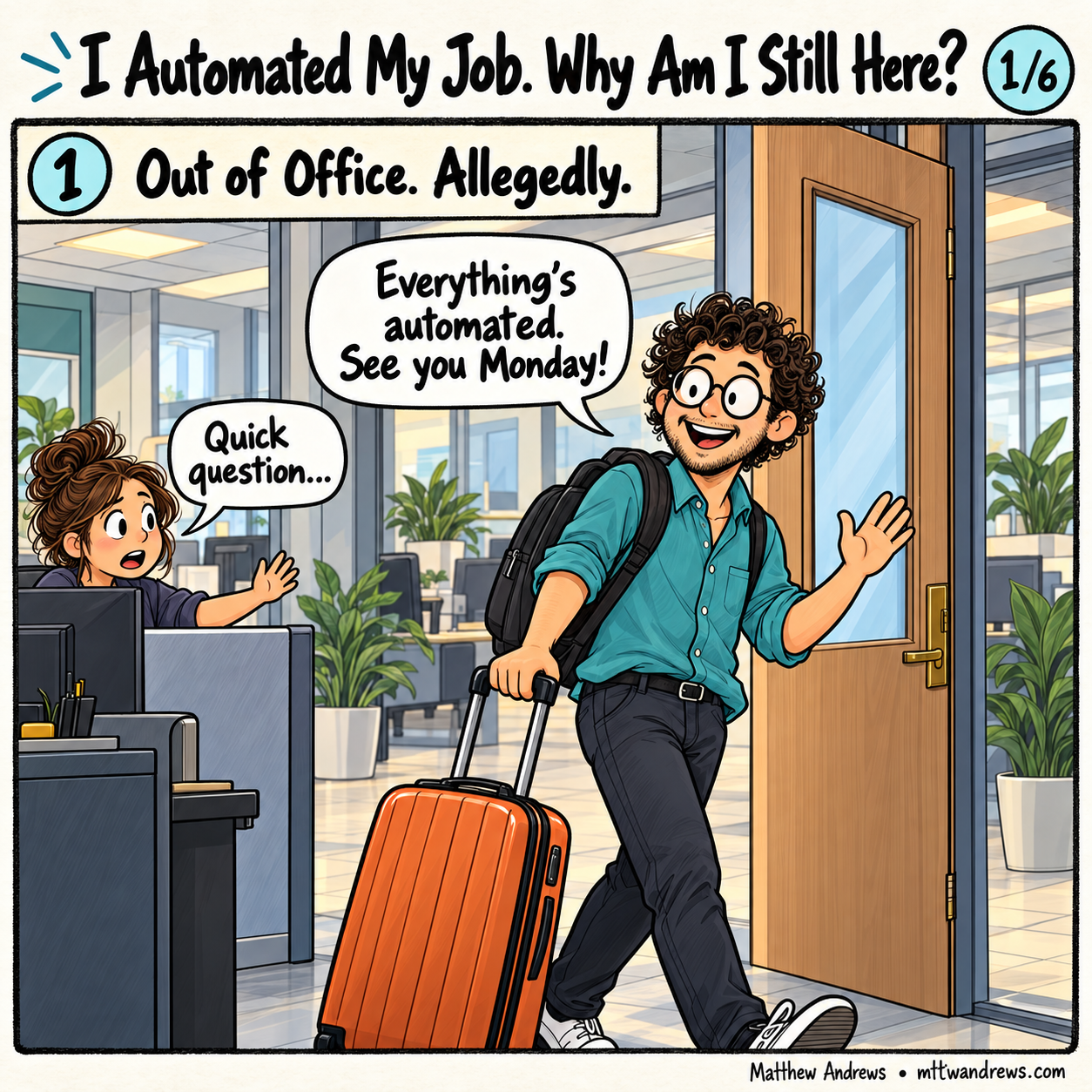
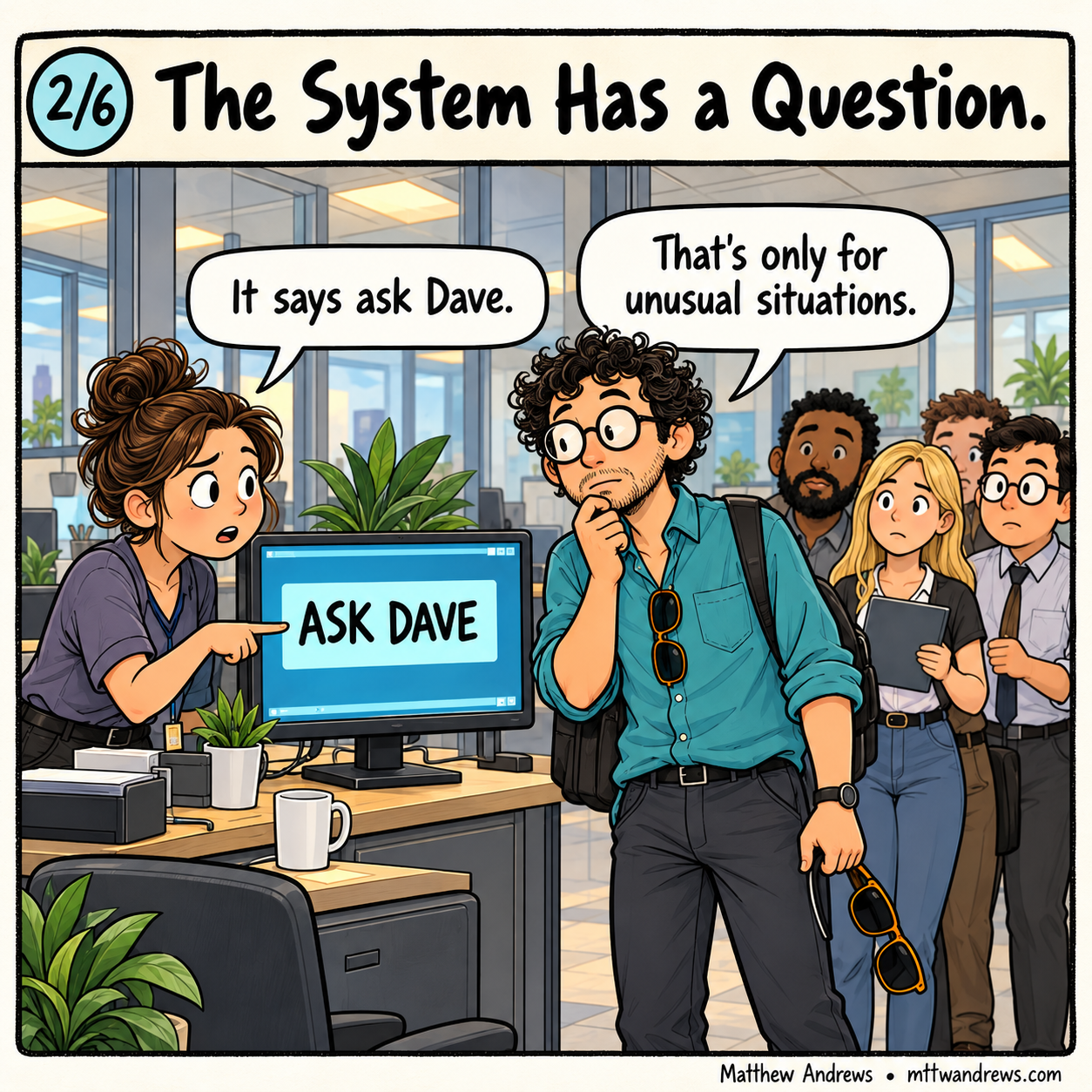
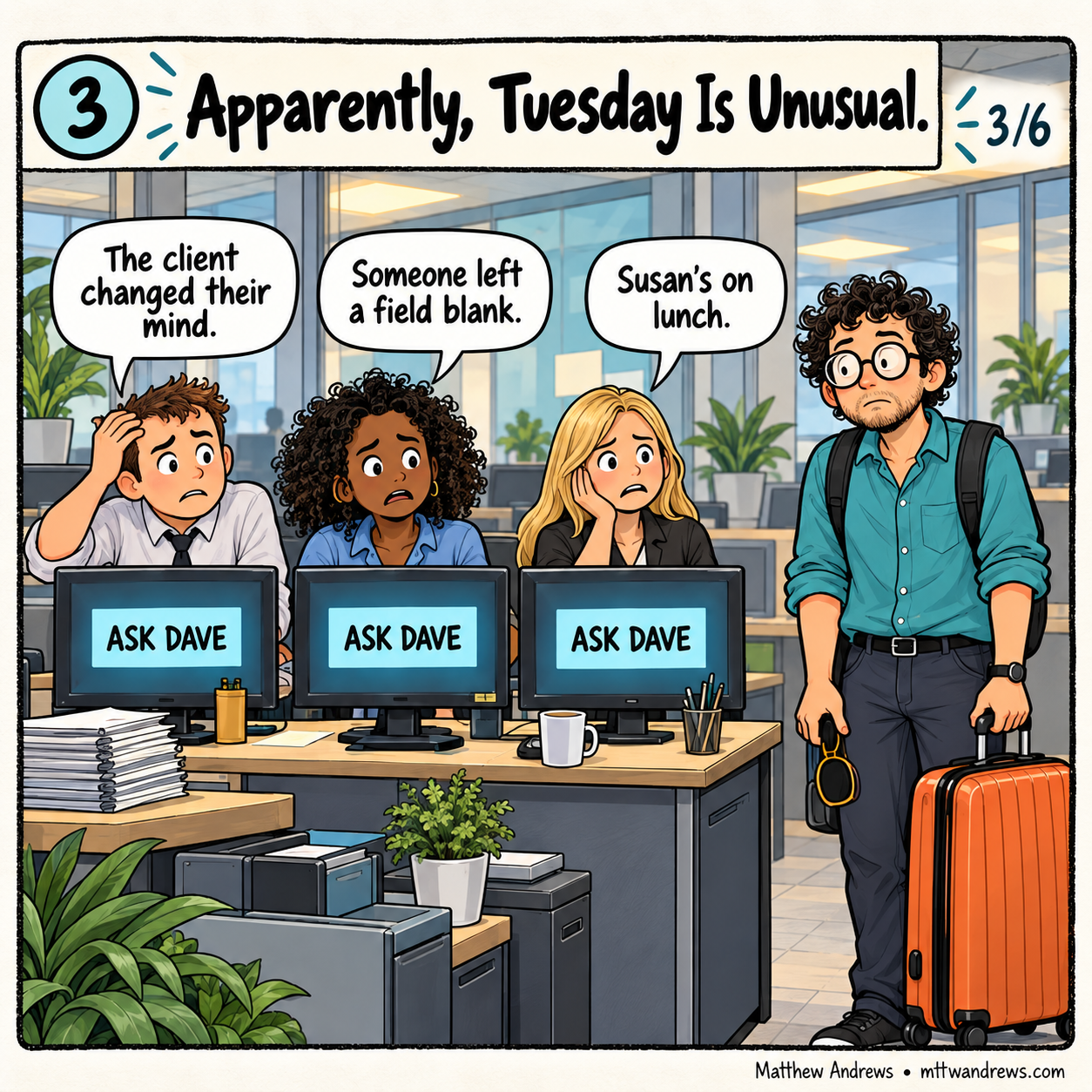

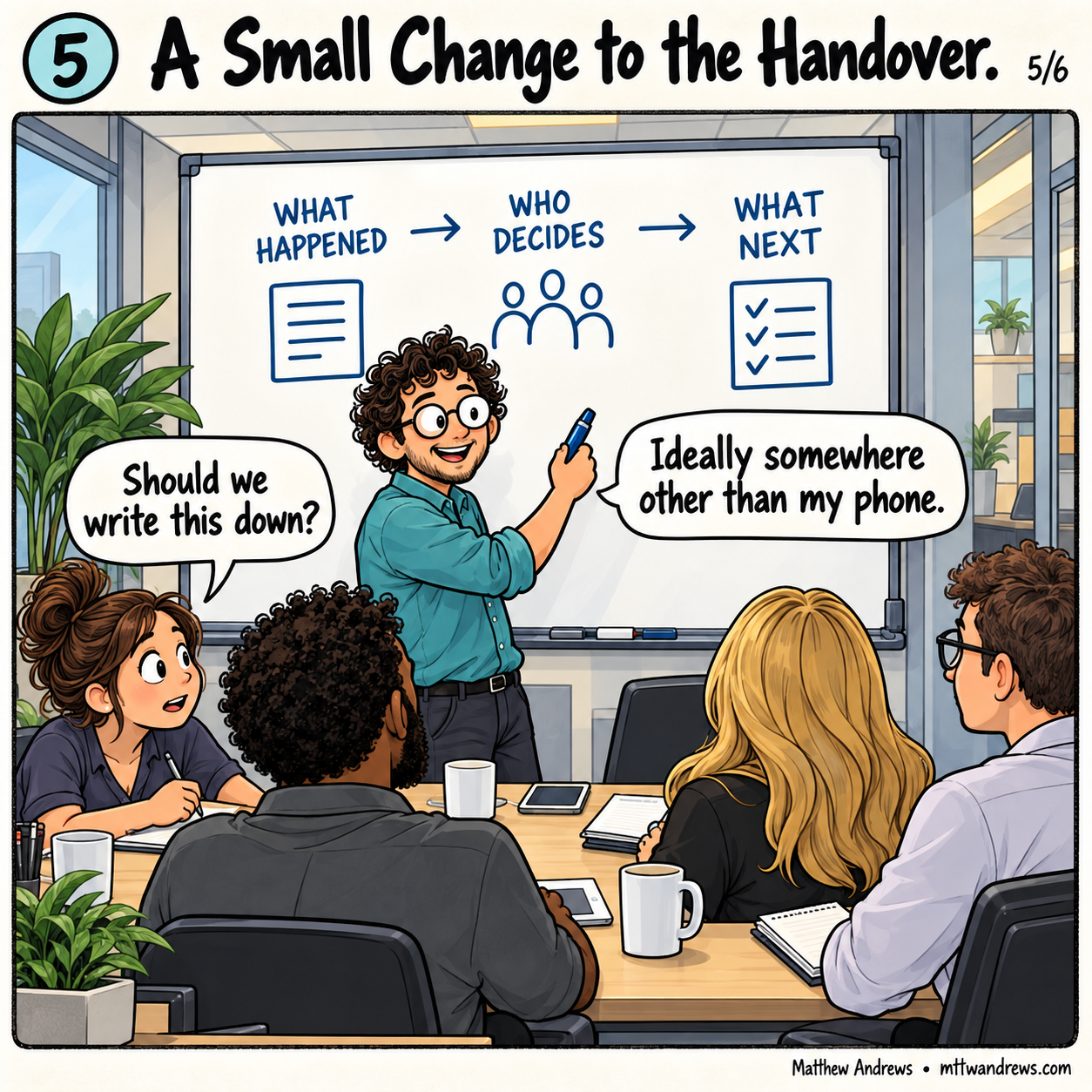

Workflow Automation That Earns Trust · Part 6
Test whether someone else can operate and recover your automation: connect clear outcomes, exceptions, human decisions, honest measurement and useful handoffs.
That is the handoff I want to examine.
This week, we looked at choosing useful work to automate, mapping exceptions, preserving human decisions, measuring actual savings, and recovering from failures. Those ideas come together when someone who did not build the workflow has to use it.
Can they tell what happened, what needs their attention, and what they should do next?
Start With a Result Someone Can Recognize
Consider a hypothetical reporting workflow. It gathers team updates, prepares a weekly report, routes it for review, and distributes the approved version.
“Generate the report automatically” describes one step. It does not describe the finished job.
A more useful outcome is: the reviewer receives a report covering the agreed period, can identify missing information, and can approve a specific version for distribution. The team can then verify who received it.
That definition connects the work across the whole process. A beautifully formatted document is progress, but it is not proof that the reporting workflow succeeded.
Walk One Ordinary Run Through Every Handoff
Give each stage a clear result and a clear recipient.
The collection stage produces the required updates—or identifies which are missing. Preparation produces a reviewable report. Review produces a recorded decision about that version. Distribution produces evidence of delivery or a visible unresolved outcome.
At each handoff, ask what the next person needs to continue without reconstructing the previous stage.
A status that says “complete” is not enough if nobody knows what completed. “Report prepared; two updates missing; awaiting review” gives someone a place to begin.
Then Give It a Difficult Day
Now change the example.
One team misses the deadline. The reviewer is unavailable. Someone corrects the report after approval. Distribution stops after reaching only some recipients.
These situations expose the connections between the week’s lessons.
A missing update needs an exception path. An unavailable reviewer needs a waiting state and an owner. A changed report needs a rule about renewed approval. Partial distribution needs a recovery action that does not resend everything blindly.
The important question is whether the person using the workflow can distinguish those situations and respond appropriately.
A single red “failed” label asks them to do the diagnosis themselves.
Make Human Judgment Practical
In my reporting-automation work, preparing material for review and approving it were separate responsibilities. That distinction remains useful here.
The reviewer needs the relevant evidence, enough time to assess it, and a meaningful choice. They should be able to approve, request corrections, or hold the report while something is resolved.
An approval button cannot compensate for missing context.
The handoff should also make the scope of the decision clear. Which report version is being approved? What happens if it changes? Who takes responsibility while approval is pending?
Those answers belong in the workflow, where people can see and act on them.
Count the Work Required to Keep It Running
Now observe the person operating the process.
How much time do they spend checking inputs, resolving exceptions, reviewing results, and recovering interrupted work? How often do they need help from the builder?
Include that effort when evaluating the benefit.
A fast generation step can still leave a slow operating process. If the time saved in preparation reappears as investigation and correction, the improvement is smaller than the dashboard suggests.
The goal is a useful result with less total effort at an acceptable level of quality. Measure that result across representative runs, including the difficult ones.
Try the Handoff Before Calling It Ready
Give a colleague who did not build the workflow a normal run and a deliberately interrupted one, using safe test data.
Ask them to show:
- What has completed, and what evidence supports it?
- What is waiting, failed, or still uncertain?
- Which decision belongs to them?
- What will the next action do—including anything it might repeat?
- How will they know the intended result has been reached?
Watch where they hesitate. If they need an explanation that exists only in the builder’s head, the workflow has revealed another requirement.
Turn that gap into a specific improvement and test the handoff again.
Trust Is Built Into the Handoffs
Choosing the right task gives automation a purpose. Exceptions give it boundaries. Human decisions give it accountable authority. Measurement shows whether it helps. Recovery makes interruptions manageable.
The handoffs connect those pieces.
Before asking how much more a workflow can automate, I would ask whether another person can take responsibility for it without having to guess.
That is when automation starts becoming dependable.
Subscribe for Future Posts
Follow my writing on technology, leadership, and building better systems. Add the blog’s RSS feed to your preferred feed reader to receive future posts.
Was This Post Useful?
Loading reader feedback…
Public totals. An anonymous browser identifier remembers your vote; no account is required.